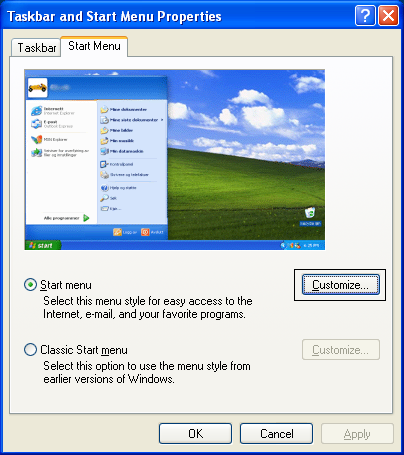
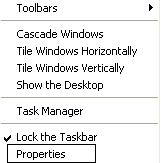
If you’ve ever wondered how to remove the username from the Start menu in
Windows XP, follow the below steps:
This could also be used in reverse, if your start menu does not have the
username you could check this
registry setting.
Note that this only applies to the XP style menu, not the classic menus… since they don’t have the
username anyway.
Open up
regedit.exe through the start menu run box, and then browse down to the following key:
HKEY_CURRENT_USER\Software\Microsoft\Windows\CurrentVersion\Policies\Explorer
Create a new DWORD value on the right-hand pane with the following values:
• Name: NoUserNameInStartMenu
• Value: 1
To remove, either set the value to 0 or just delete the key. You will have to log off and back on to see the start menu without the
username:
You could also remove the picture by deleting or renaming this folder:
C:\Documents and Settings\All Users\Application Data\Microsoft\User Account Pictures\Default Pictures
Doing so would remove the picture from the login page as well, and it doesn’t remove the blue border across the top.